Find and download invoices
Where to find your invoices in the Control Panel.
Every payment for a Premium subscription has an invoice. It is sent to your e-mail after the payment and stays available in the Control Panel, where you can download it as a PDF at any time.
Find your invoices
Open Invoices
Sign in to the Control Panel and choose Billing → Invoices in the left menu.
Find the invoice
Use Search to find an invoice by its number, or sort the list by clicking a column heading.
Download the PDF
Click Download next to the invoice.
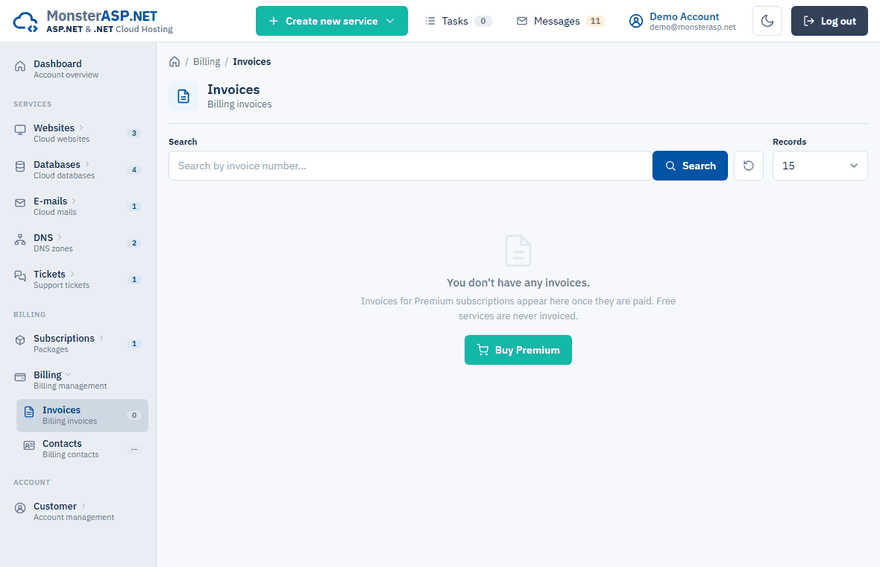
What the list shows
| Column | What it shows |
|---|---|
| Status | Paid, Unpaid, Overdue or Cancelled. |
| Type | The kind of document: Invoice, Proforma or Correction. |
| Number | The number of the document. |
| Text / Items | What the document was issued for. |
| Price | The total amount. |
| Created | The date of issue. |
Note
Invoices for Premium subscriptions appear here once they are paid. Free services are never invoiced, so an account without a Premium subscription has an empty list.
Who the invoice is issued to
The invoice is issued to the billing contact you filled in when ordering or renewing the subscription — name or company, address, registration and VAT number. The contact's e-mail address also receives invoices and renewal notices. See Change your billing details.
The invoice is missing
After a successful payment the result page shows the invoice number and the address it was sent to. If you paid and the invoice does not appear in the list after a few minutes, open a support ticket and we will check it.
Giving your accountant access
You do not have to forward invoices by hand. Add your accountant as a manager with the Billing permission — they see invoices, subscriptions and billing contacts only. See Give someone access with Managers.