
How to run Angular SPA sample application
This article contains steps how to run sample Angular SPA (Single-Page application) on MonsterASP.NET hosting.
ASP.NET / .NET freehosting
If you don't already have our ASP.NET / .NET freehosting, sign up for FREE at https://MonsterASP.net/.
1) Initial setup (Create website)
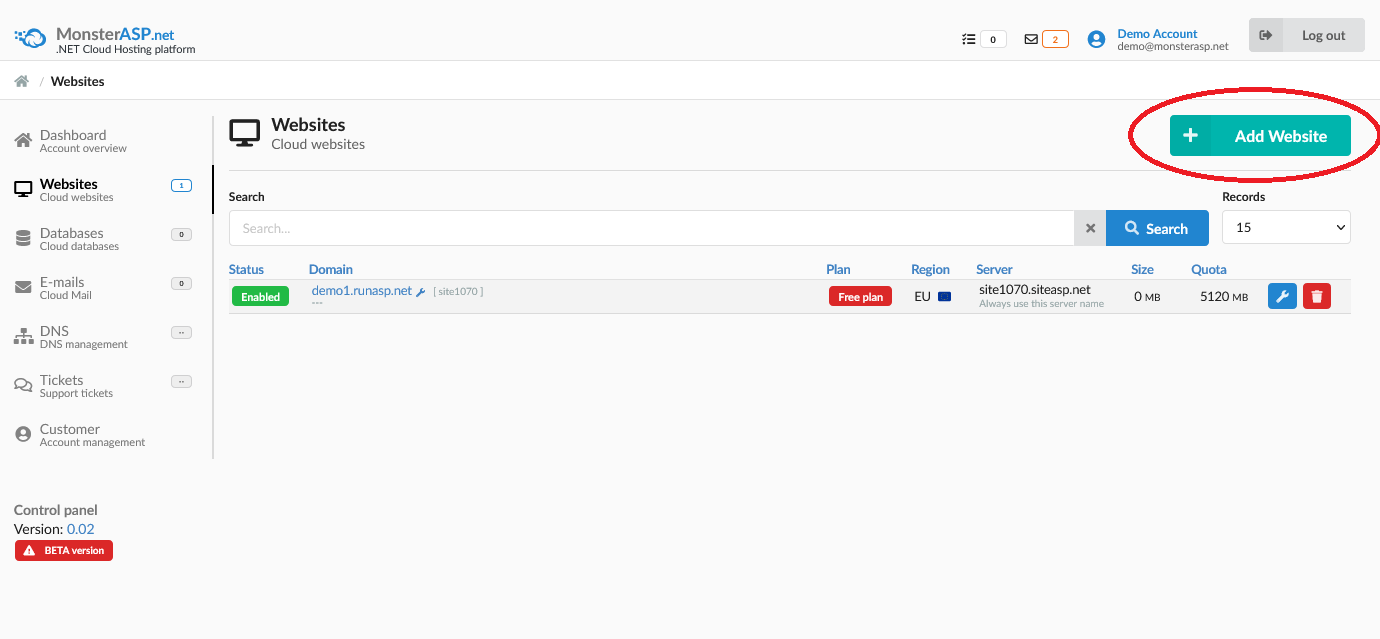
Create website from our hosting Control panel.
2) Download sample Angular SPA - Tour of Heroes application
As example we use Angular SPA - Tour of Heroes application. This official example application can be download here:
https://v17.angular.io/generated/zips/toh-pt6/toh-pt6.zip
Extract ZIP file to /toh folder and open command prompt, change directory to /toh folder where was ZIP file extracted and run following commands:
#### change directory
cd toh

#### install dependencies
npm install

#### start local server
ng serve

#### build production
ng build
You have now prepared Angular SPA application for deployment to production server in \dist\ directory.
Content of \dist\ directory looks like this:

3) Upload application to server
Upload entire content of directory \dist\browser\ to target directory /wwwroot on your Website. You can use FTP/SFTP access to upload content.
How to publish files via FileZilla Client
4) Upload web.config file
To run Angular SPA application with Routes URL you must also upload configuration web.config file to /wwwroot directory which fallback to our index.html page so Angular Routes can handle those URLs for us.
web.config (necessary Angular Routes configuration file)
<configuration>

<system.webServer>
  <rewrite>
    <rules>
      <rule name="Angular Routes" stopProcessing="true">
        <match url=".*" />
        <conditions logicalGrouping="MatchAll">
          <add input="{REQUEST_FILENAME}" matchType="IsFile" negate="true" />
          <add input="{REQUEST_FILENAME}" matchType="IsDirectory" negate="true" />
        </conditions>
        <action type="Rewrite" url="./index.html" />
      </rule>
    </rules>
  </rewrite>
</system.webServer>

</configuration>
Folder \wwwroot is website root and web.config files must be located in this directory.
5) Open website url
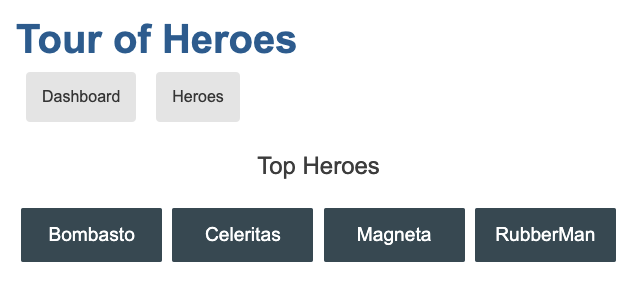
After uploading necessary file just go to your website URL and you should see Angular Tour of Heroes application :